03 / Screenshots
Application Screenshots
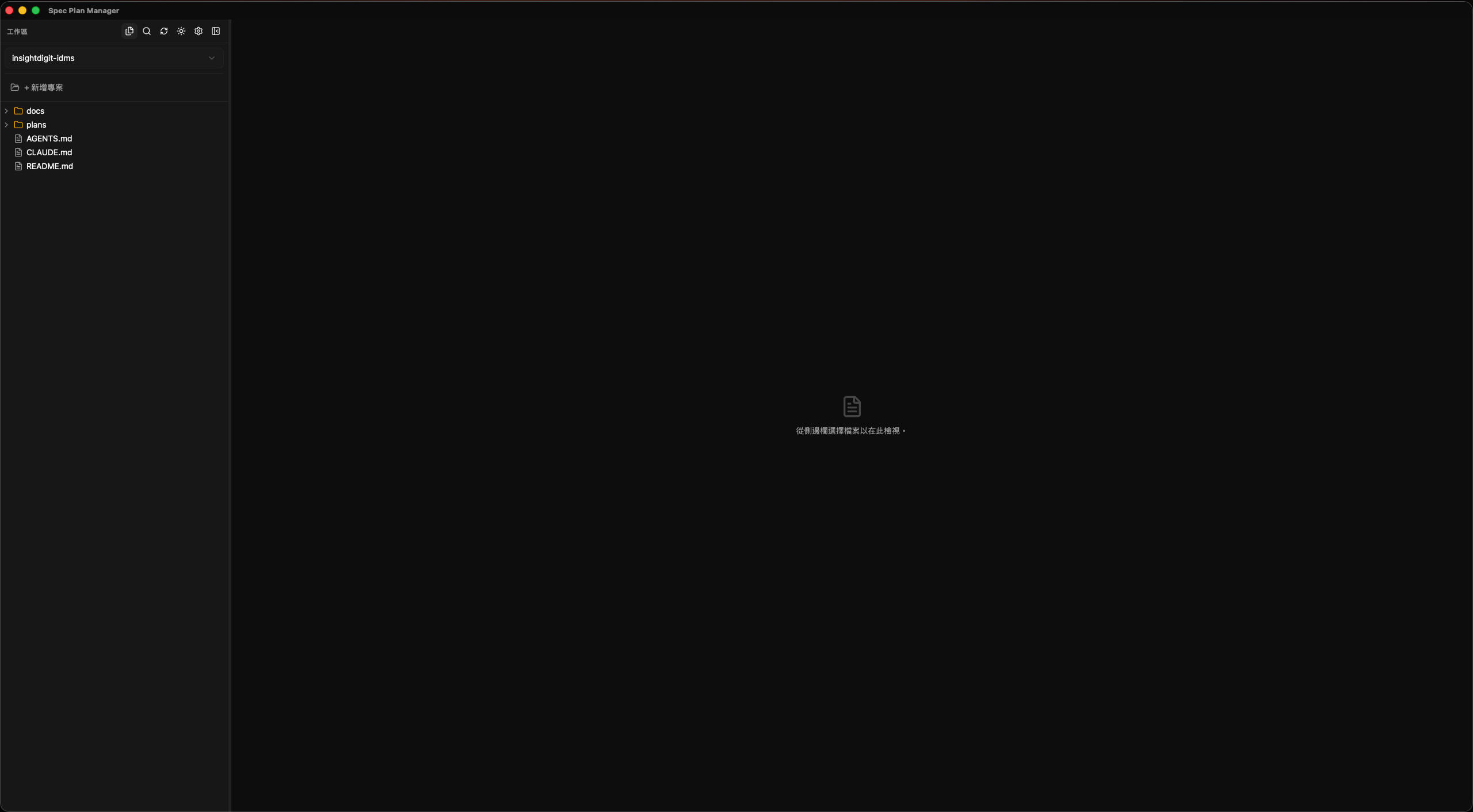
Complete your spec management workflow in one place. Edit, preview, track, analyze — all in one window.
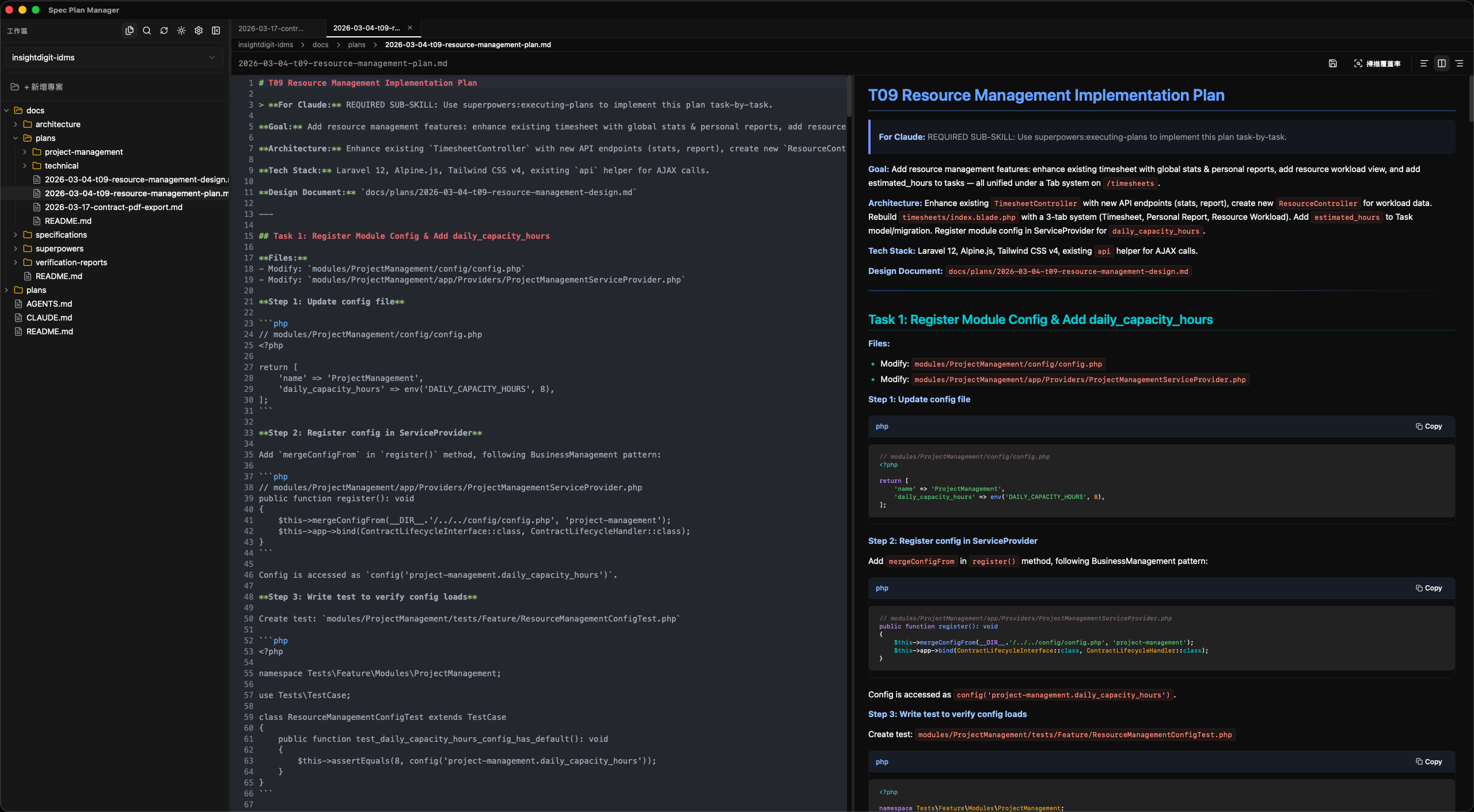
Syntax-highlighted Markdown editor with three view modes: edit only, split preview, preview only. Mermaid diagrams, GFM tables, task lists, code highlighting. Multi-tab, auto-save.
Auto-parses YAML front matter for inline status, priority, and tags editing. Checkbox-based progress tracking with visual progress bars at a glance.
File tree with expand/collapse and context menus. Multi-project switching, cross-file full-text search, live external change detection, breadcrumb navigation.
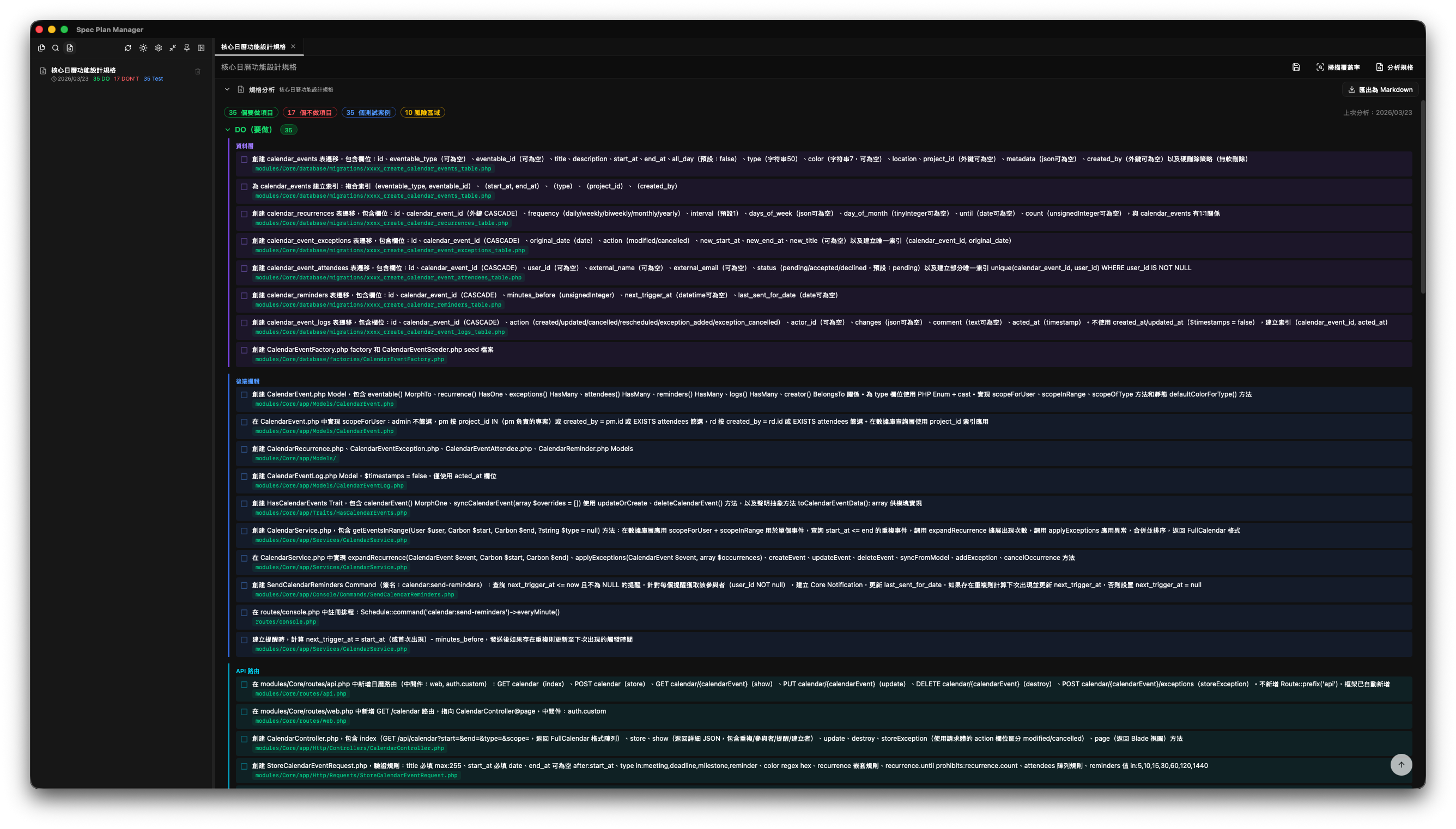
AI-powered spec analysis via Claude CLI — coverage scanning with per-requirement status badges, DO/DON'T checklists extraction, verification criteria, bilingual support, export to Markdown.
In-app update checker with release notes display. Download progress indicator, one-click install and relaunch — always stay on the latest version.
Mini always-on-top window for quick spec reference while coding. Keep your specs visible without switching windows.
Cmd+S save, Cmd+B toggle sidebar, Cmd+W close tab, Cmd+\ toggle preview. Theme switching, bilingual UI, font size adjustment, auto-save toggle.
Write Markdown spec documents in the split editor. Live preview, syntax highlighting, auto-save. Mark status and priority via Frontmatter.
Checkboxes auto-calculate completion rate with visual progress bars. Multi-project workspace switching, cross-file search.
AI-powered analysis via Claude CLI — coverage scanning with status badges, DO/DON'T checklists extraction, verification criteria. Bilingual, with cache and export.
All common operations have keyboard shortcuts. macOS and Windows shortcuts auto-mapped.
MIT licensed, source code fully public. Feel free to submit Issues, Pull Requests, or Fork and modify.
Free, open source, MIT licensed. No account required, no telemetry.
Completely free and open source. MIT licensed — you can freely use, modify, and distribute it. No hidden fees, no feature restrictions.
Currently supports macOS (Apple Silicon .dmg) and Windows (x64 .exe). Linux support is planned.
This is macOS Gatekeeper security — the app is not yet Apple-signed. Run this command in Terminal after installation:
xattr -cr /Applications/Spec\ Plan\ Manager.appOnly needs to be run once.
Spec analysis (coverage scanning and DO/DON'T extraction) requires Claude CLI. All other features (editor, preview, progress tracking, file management) need no additional dependencies.
All files are stored locally. No cloud sync, no account system, no telemetry. Your data is entirely yours.
Full GFM (GitHub Flavored Markdown) support including tables, task lists, code block syntax highlighting, Mermaid diagram rendering, YAML frontmatter, and heading anchor links.